

Production starts here
and stays up
We built a platform around everything you shouldn’t have to do.
A quick note from the founderCloud VMs
From standard to high-frequency servers, with monitoring, alerts and automatic disk growth included.
Simple VPS
Classic VPS on a fixed monthly plan with its own IPv4 and IPv6, for projects that need just a server.
Kubernetes
Managed Kubernetes in your private network, with volumes and load balancers made from your manifests.
DR Backups
Keep several copies in different jurisdictions, with an optional check that each one boots.
Snapshots
Snapshots of servers and disks on a schedule, with new servers created from any of them.
Monitoring & Alerts
Metrics for every server and database, with alert rules sent to Telegram or email.
Managed Databases
Eight engines from PostgreSQL to ClickHouse on our software-defined storage with fast fsync, backups and monitoring included.
Message Brokers
NATS, RabbitMQ and Kafka on a server of their own in your private network, set up and updated by us.
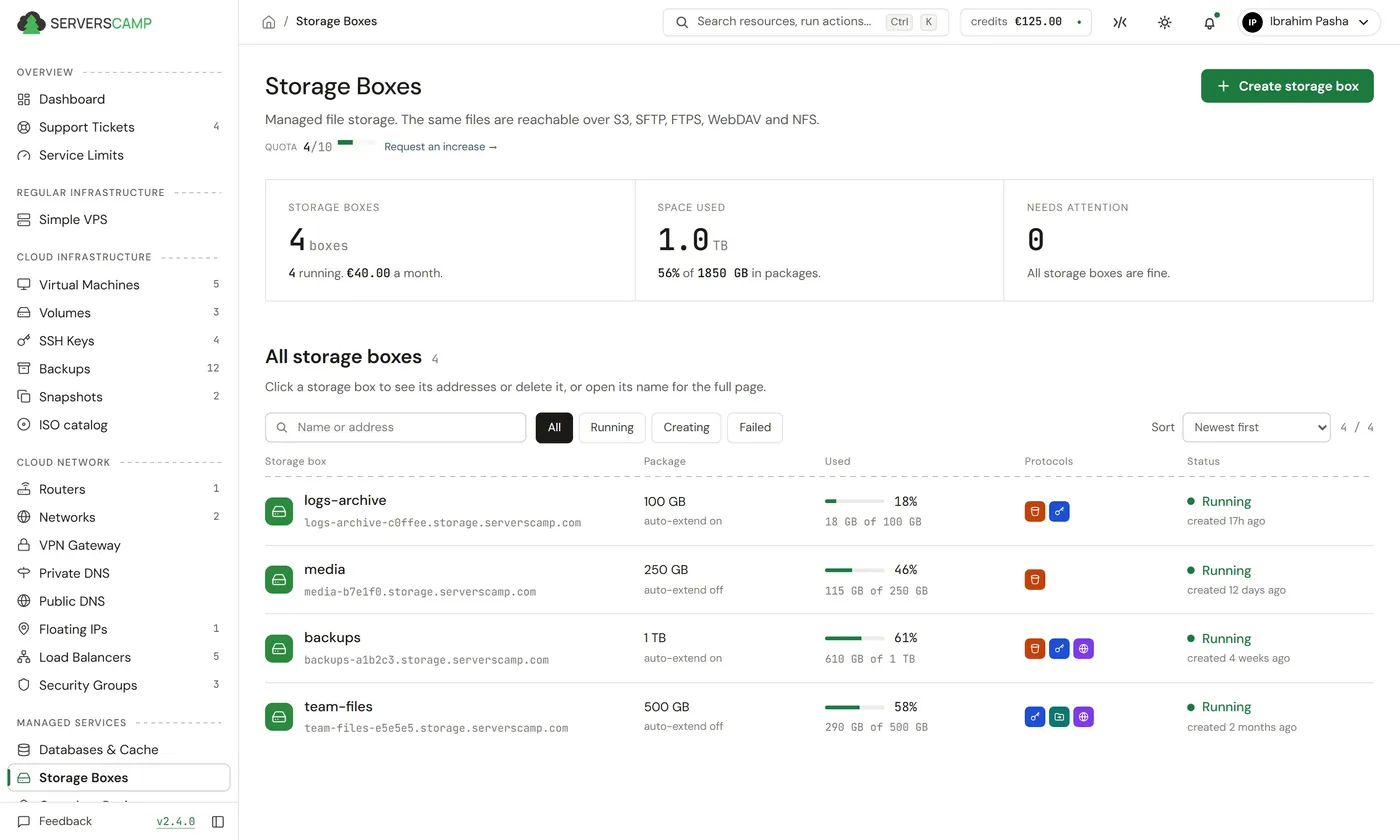
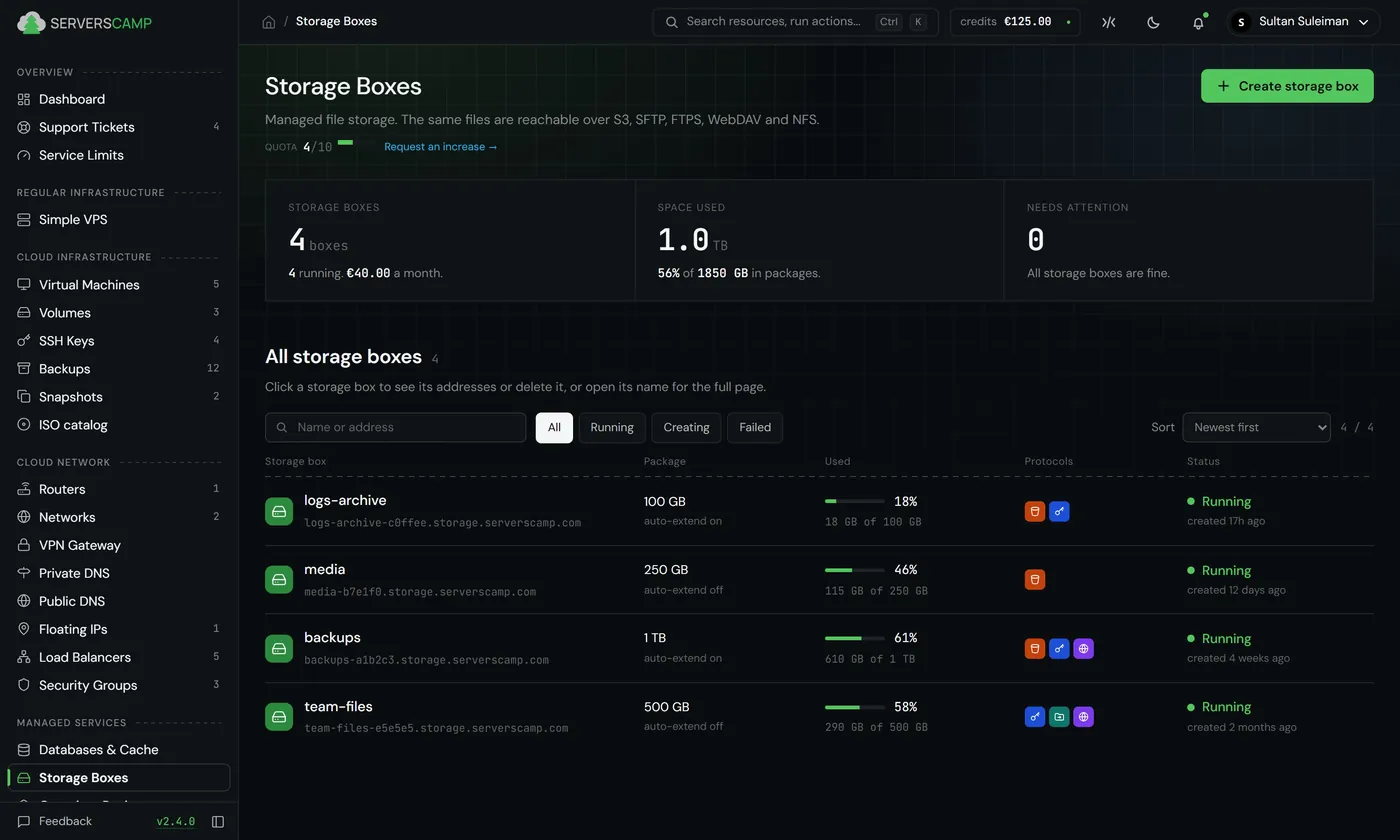
Storage Boxes
One storage box over S3, SFTP, FTPS, WebDAV and NFS, with an audit log.
Container Registry
A private registry for Docker images and Helm charts, with vulnerability scans, retention rules and webhooks.
Secrets Vault
A private vault for passwords and API keys, with access tokens for your apps.
Volumes
Extra disks on our software-defined storage, read-optimised or write-optimised, with backups and snapshots.
Private Networks
Private networks behind your own router, with port forwards and a default firewall.
VPN Gateway
Access to your private networks from personal devices, with a split or full tunnel, or site to site.
Email Gateway
Send password resets and notifications from your applications over SMTP or the API.
Public & Private DNS
A public zone for your account with automatic names for new servers, and private zones inside your networks.
Load Balancers
Load balancers with health checks and Warden protection on each one.
Warden
Reputation firewall, intrusion detection and outbound traffic control for your servers.
Latest feedback
What our
customers say
We've been using the platform for over a year. Over the last three months the control panel has improved a lot, and now it covers everything we need to manage our account and servers. We're also pleased with the prices and how stable the servers are.

Choose how much
we run for you
Cloud VMs
Your server, our platform.
- You run the OS and the apps
- We run hardware, storage and network
- Backups and monitoring included
Managed Apps
We set it up, you keep root.
- We install and configure the app
- You keep SSH and your configs
- Updates when you approve them
Managed Services
Everything is on us.
- No servers to look after
- Updates, backups and recovery by us
- You get an endpoint and use it
Every disk is replicated.
And fast.
Every disk lives on our own software-defined storage, copied to several nodes and reached over RDMA. A 4k read takes under 0.2 ms, measured inside a customer's server. An fsync on a database disk comes back in about 0.15 ms, on drives with power-loss protection.
- Every disk copied to several nodes
- A storage node fails and the server keeps running
- Up to 200k IOPS per disk
- 147k fsync'd commits per second in our tests
- Disks grow without a restart
Node B went down. Every piece of your disk still has copies on A and C, so the server keeps reading and writing.
Cloud Panel
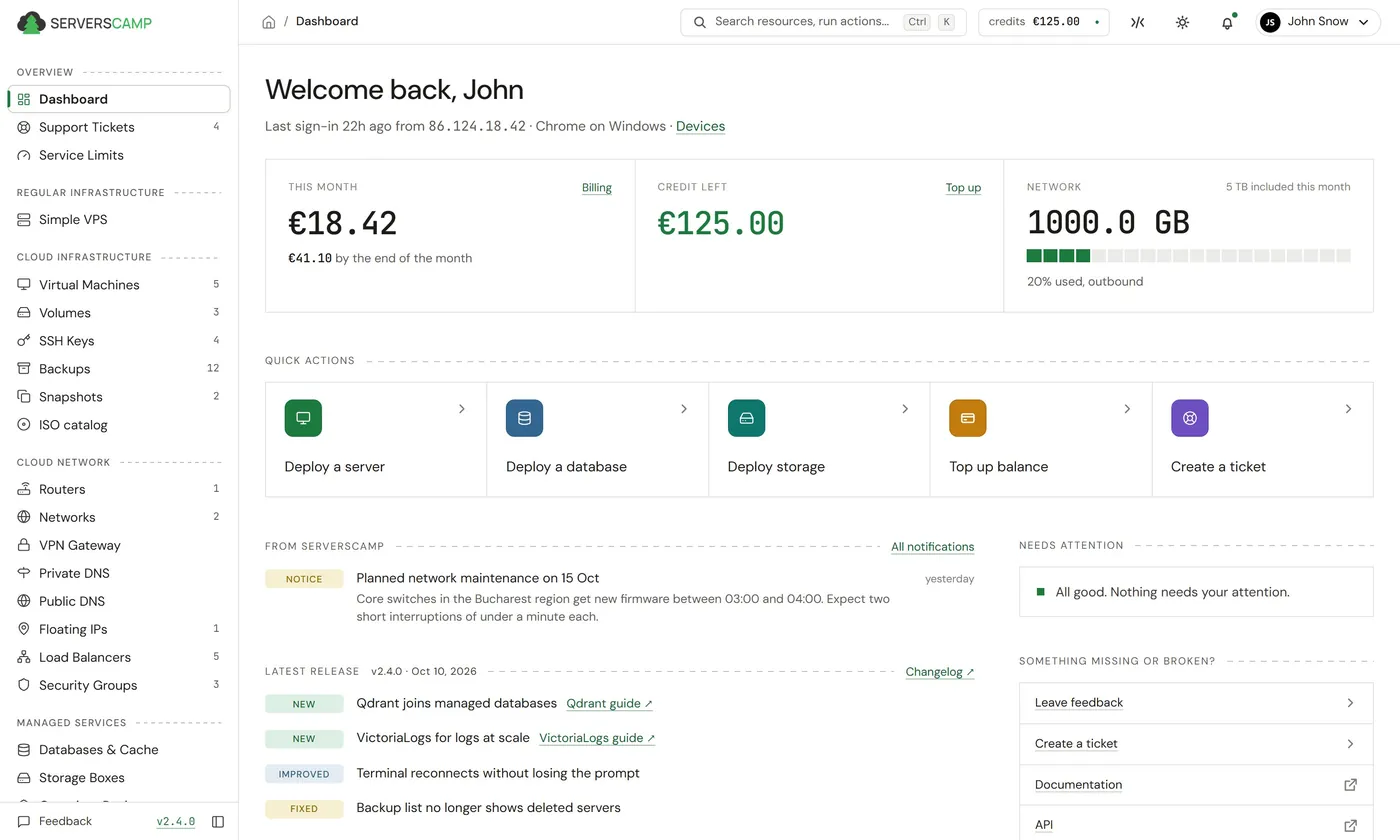
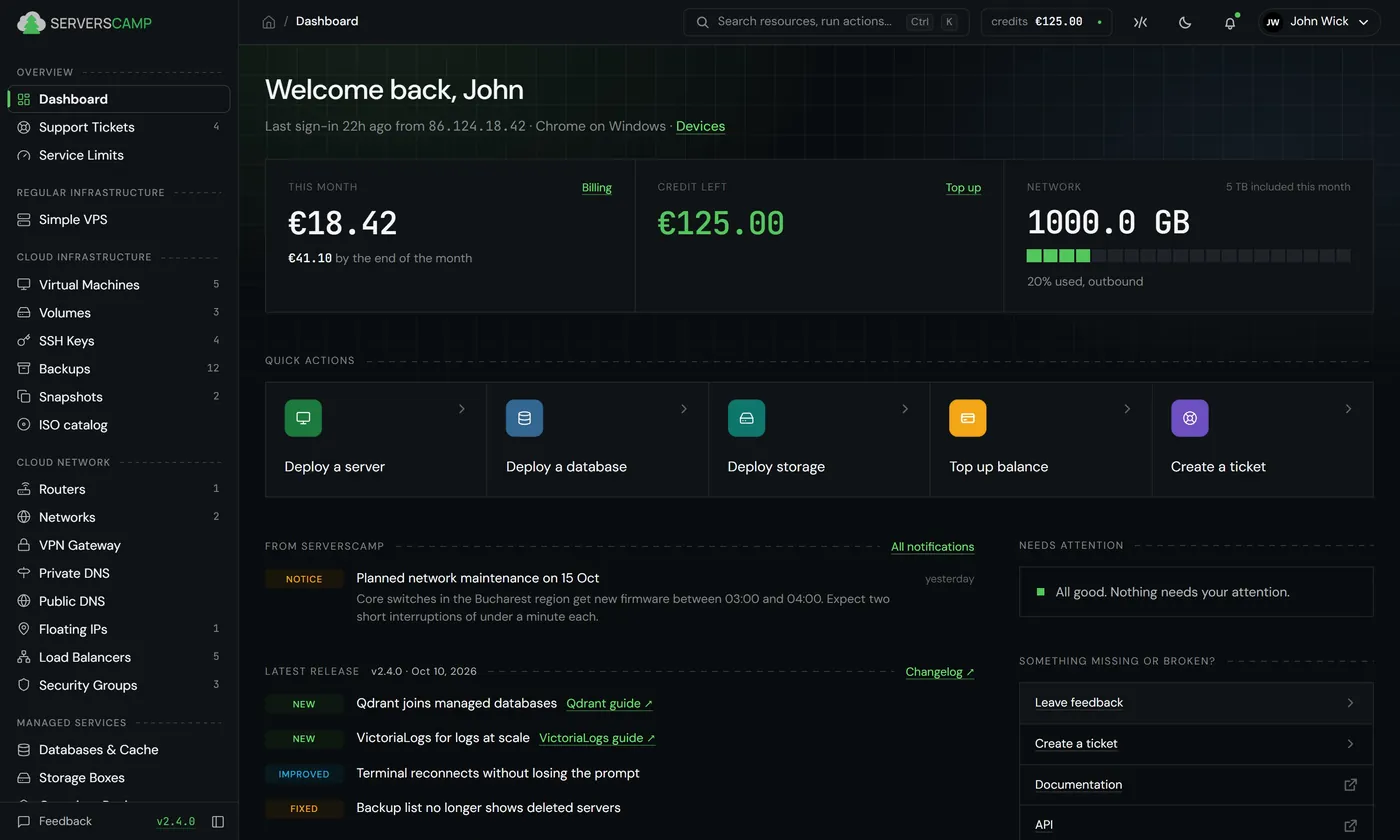
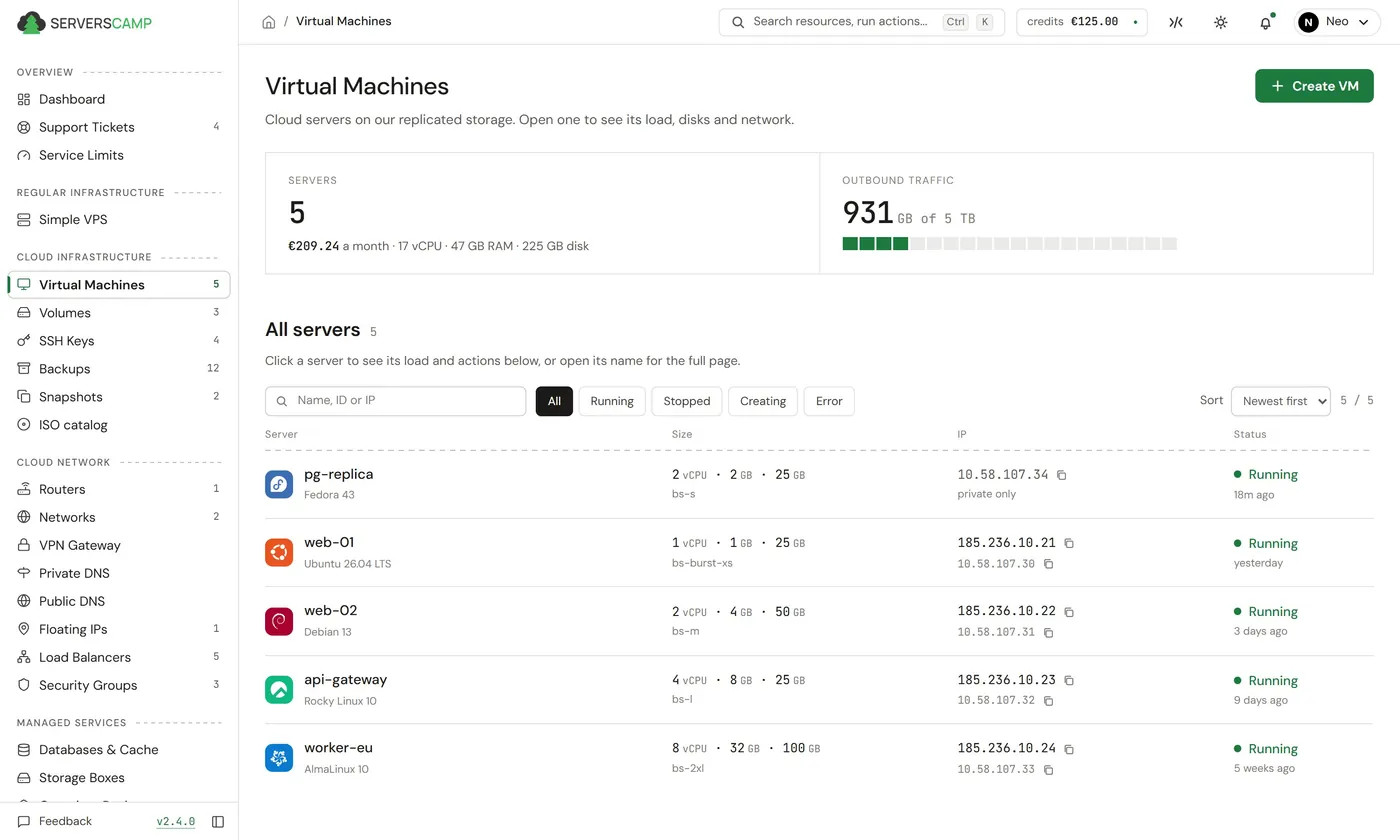
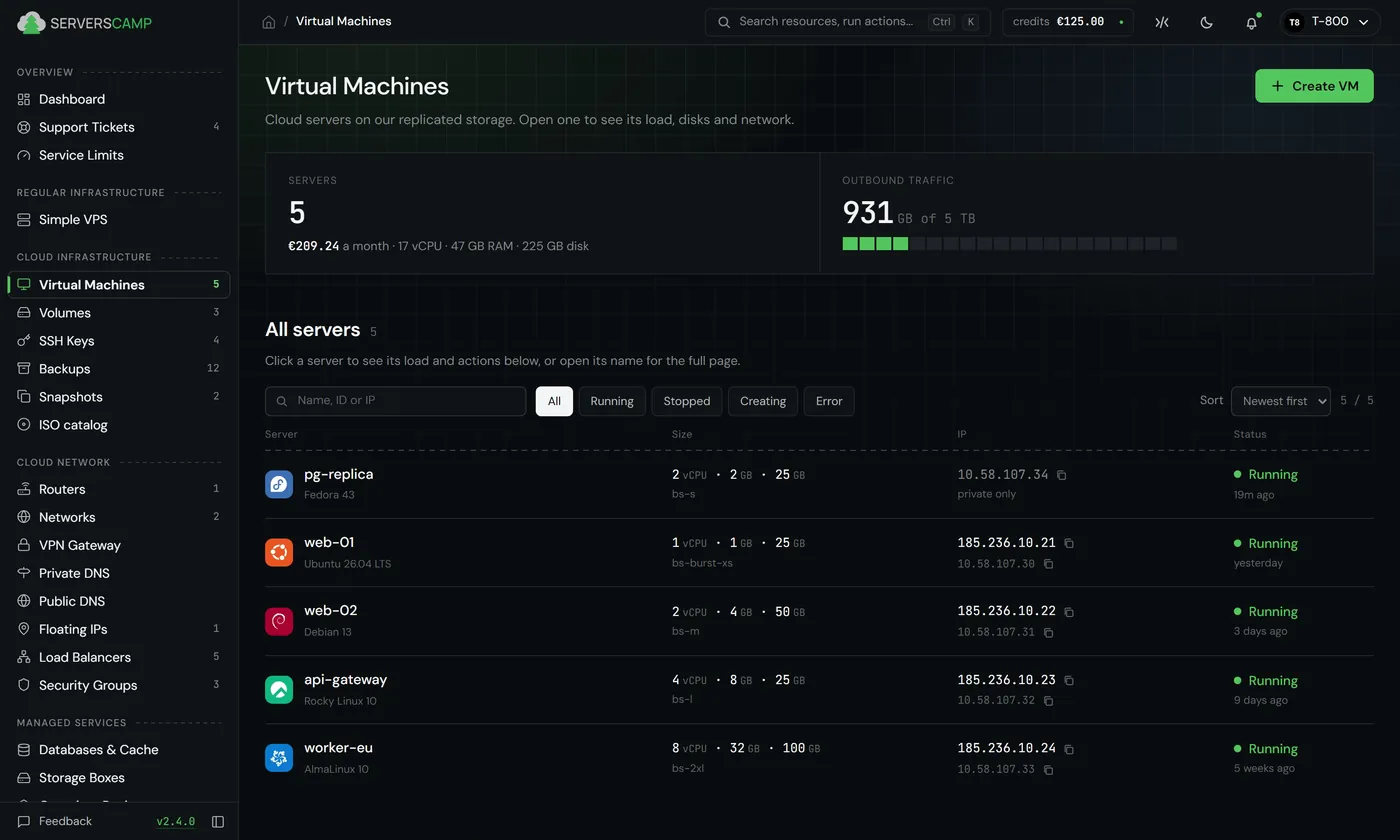
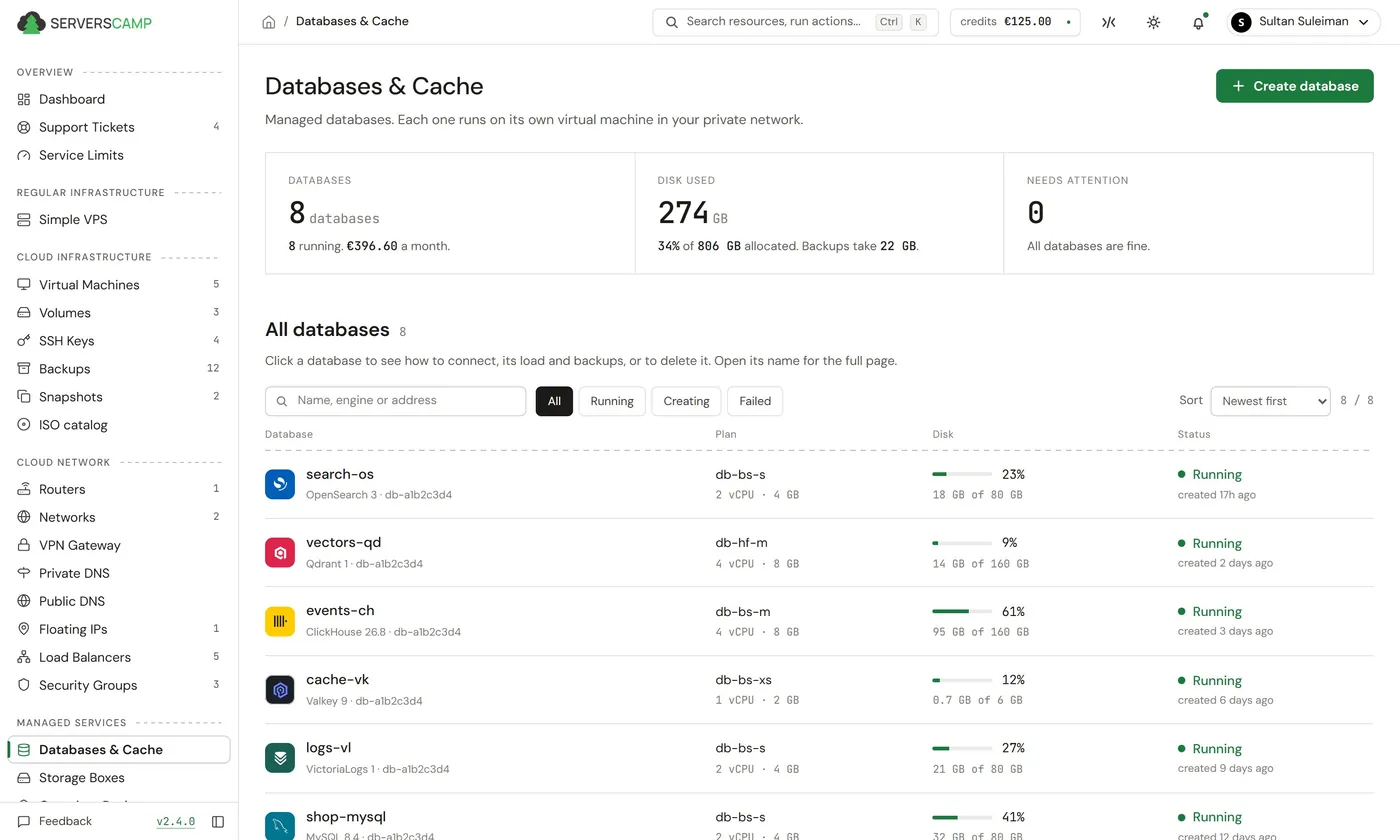
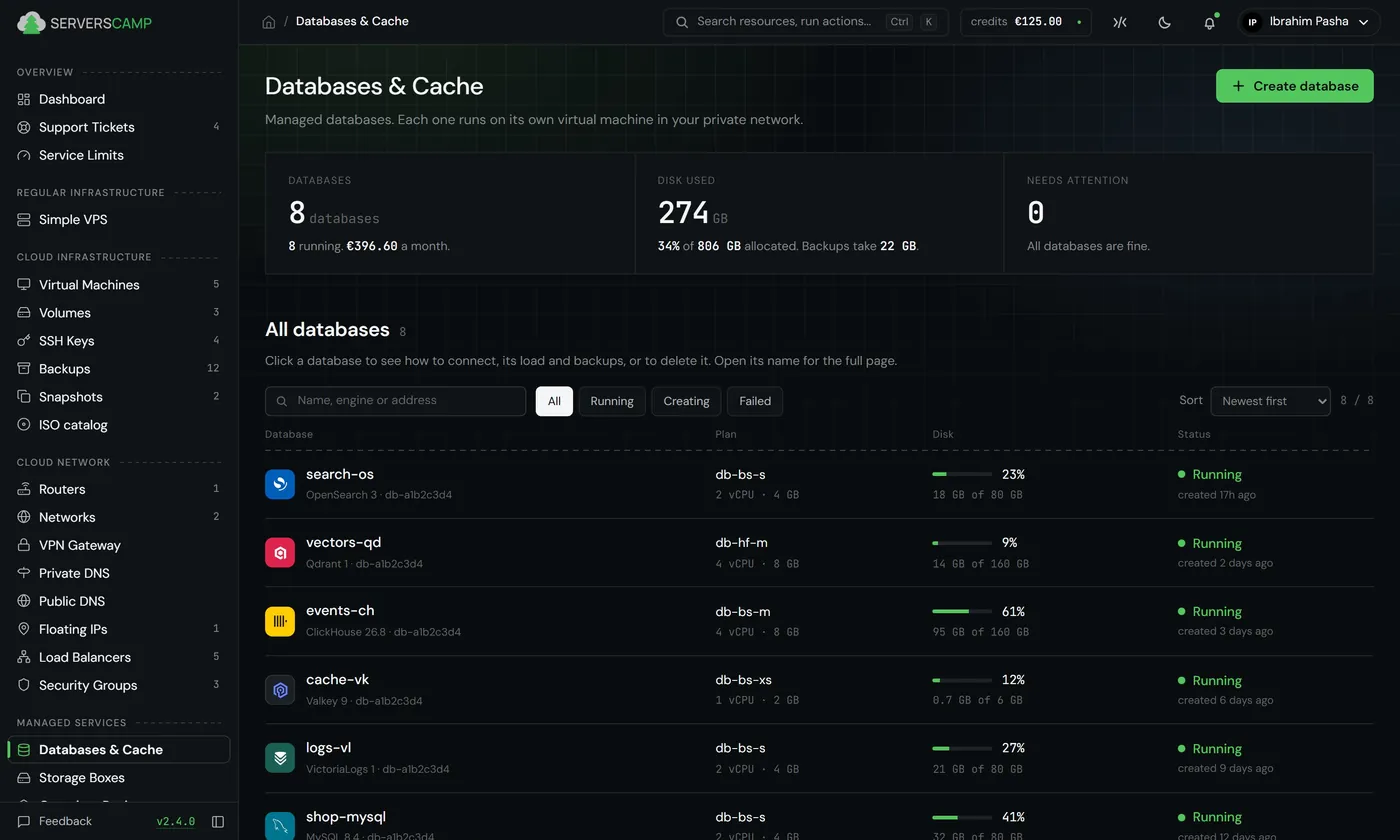
One simple panel for the whole stack
From your desk or your phone, everything is within reach, including a server terminal. The panel fits your screen and follows your system’s theme.
Everything from code
Everything the Cloud Panel does goes through our public API, so anything you click can also live in code.
Terraform provider
Servers, disks, networks and floating IPs described in code. Resources that already run can be imported without a rebuild.
API
A REST API with access tokens and an OpenAPI spec, the same one the Cloud Panel calls.
CLI
scli for your terminal and scripts: sign in once, then make, run and back up Simple VPS.
resource "scamp_vm" "web" {
  display_name    = "web-01"
  vm_class        = "basic-1g"
  image           = "ubuntu-26.04"
  root_disk_class = "standard"
  root_disk_gb    = 25

  assign_public_ips = true
}# install
~ $ curl -fsSL https://raw.githubusercontent.com/serverscamp/scli/main/install.sh | sh
# sign in and make a server
~ $ scli auth login
~ $ scli vps create web-1 --plan vps-std-1g --image ubuntu-26.04 --ssh-key laptop --wait
~ $ scli vps ls
~ $ scli vps ssh web-1
~ $ ~ $ curl -X POST https://platform.serverscamp.com/api/v1/vms \
-H "Authorization: Bearer $SCAMP_TOKEN" \
-H "Content-Type: application/json" \
-d '{
"display_name": "web-01",
"vm_class_id": 2,
"vm_template_id": 1,
"disk_gb": 25,
"assign_public_ips": true
}'
~ $ Built for
your role
Every server comes with monitoring and alerts. Disks grow automatically when space runs low, without downtime. We handle backups and recovery for managed services, from storage to databases. You can automate it all.
A single outage shouldn’t take your production and your backups with it. Recovery copies stay with another provider in another country. Private networks keep your services isolated, with access under your control. You pay by the hour in EUR, with clear rates and no hidden fees.
Manage your clients’ infrastructure in one place, with clear access controls for your team. Talk to us about partner pricing for the workloads you manage, and earn commission through our affiliate program when you refer new customers.
Start small and pay by the hour. Grow without a platform bill that forces you to move, or cloud credits that leave you looking for your next home.
From the blog
Price refactor: cheaper compute, faster disks
Two disks instead of twelve tiers, and new server plans. The free 25 GB root disk now runs at 100,000 IOPS.
Read · 4 minThe perfect server on ServersCamp
Anyone who has run servers knows how much routine comes before even a clean one is ready. Monitoring, useful alerts, off-site backups and a disk that grows before it fills up are built into ServersCamp, with the decisions already made, on every plan.
Read · 5 minCard payments are live, and the welcome credit moves to the card
ServersCamp now runs as a production service. Top-ups by card start at EUR 10, every payment comes with a fiscal invoice by email, and the EUR 25 welcome credit is issued when you save a card. How prepaid billing, Stripe, 3D Secure and VAT work from today.
Read · 3 minOff-site backups in another country: why ours leave Romania
A data centre is a building with an address, and a backup kept at the same address shares its fate. Why every disaster-recovery backup we take is encrypted with your key and stored with another provider in another country, how the copy is verified, and four questions to ask about your own backups.
Read · 5 min