

Simple VPS
Simple VPS
Classic VPS on a fixed monthly plan with its own IPv4 and IPv6, for projects that need just a server.
What a VPS is
From €1.00 a month
Billed by the hour from your balance. A stopped server costs the same, its capacity stays reserved.
All plansA plain server with a set amount of CPU, memory, disk and traffic for one monthly price. You log in as root and get your own IPv4 address and an IPv6 /56.
It runs on capacity we have free, on the host's local disk, and the CPU model depends on the host. Each plan shows whether it is in stock, and we may stop taking new orders at any time; servers that run keep running. Uptime has a 99.9% target without service credits. For a project you build on, take a cloud server.
Ready in about a minute
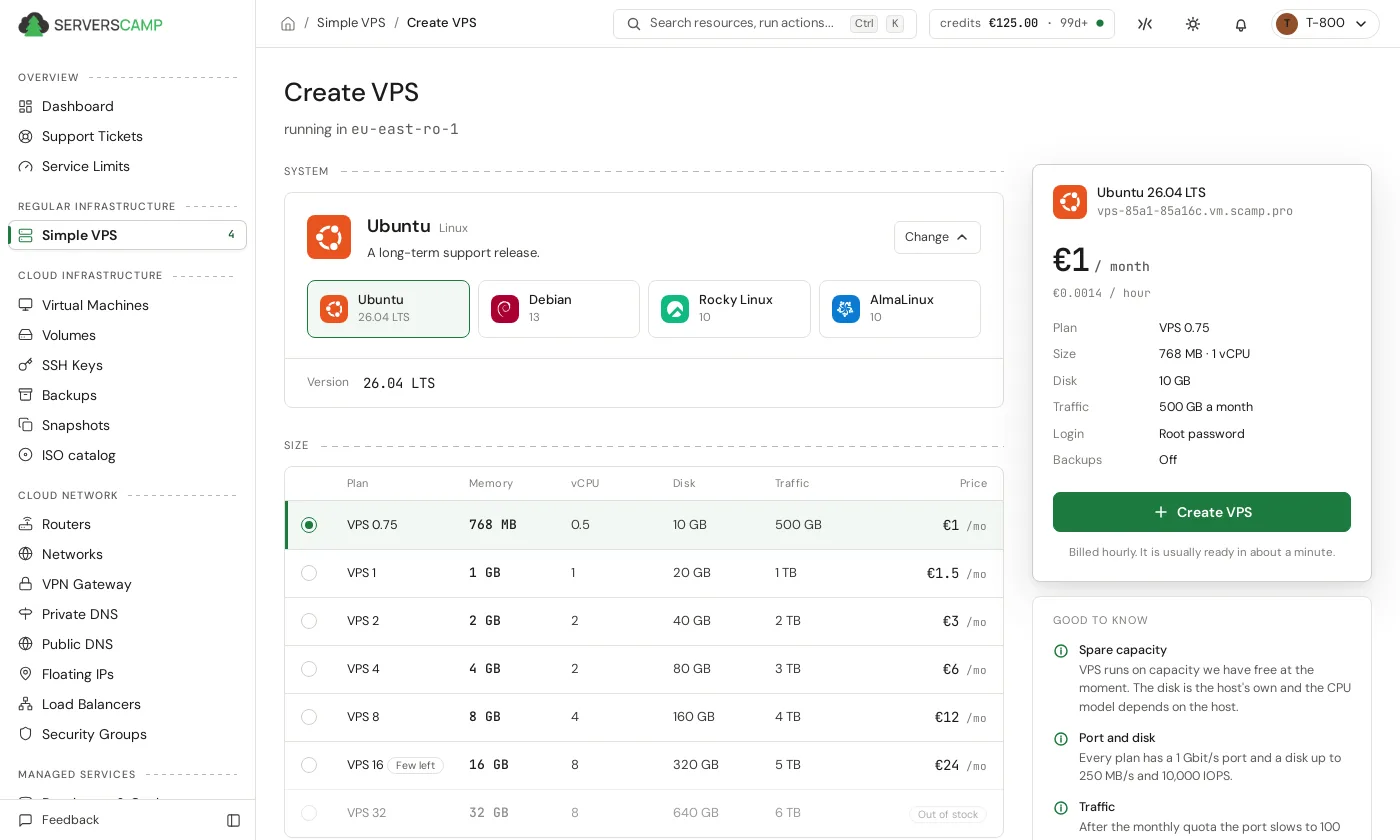
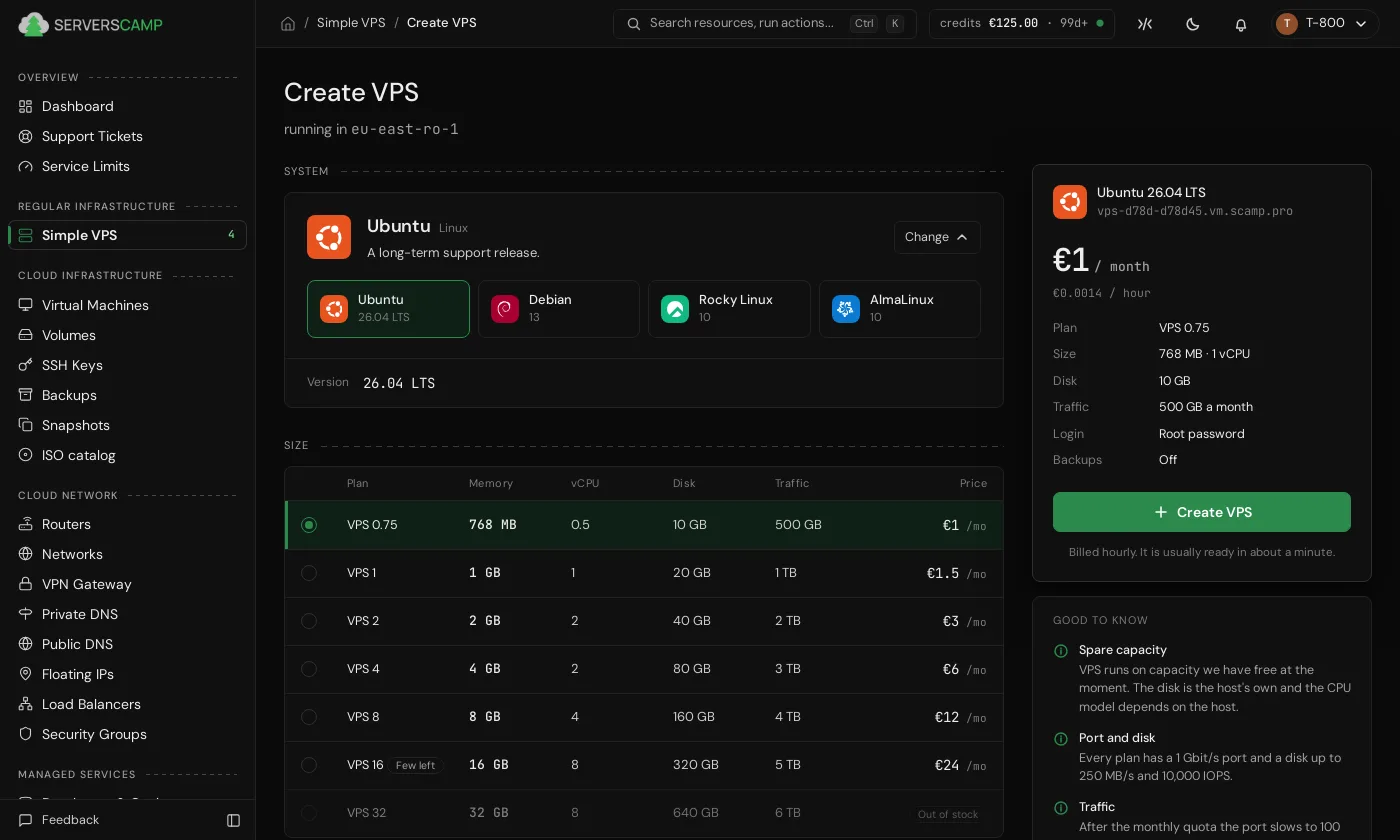
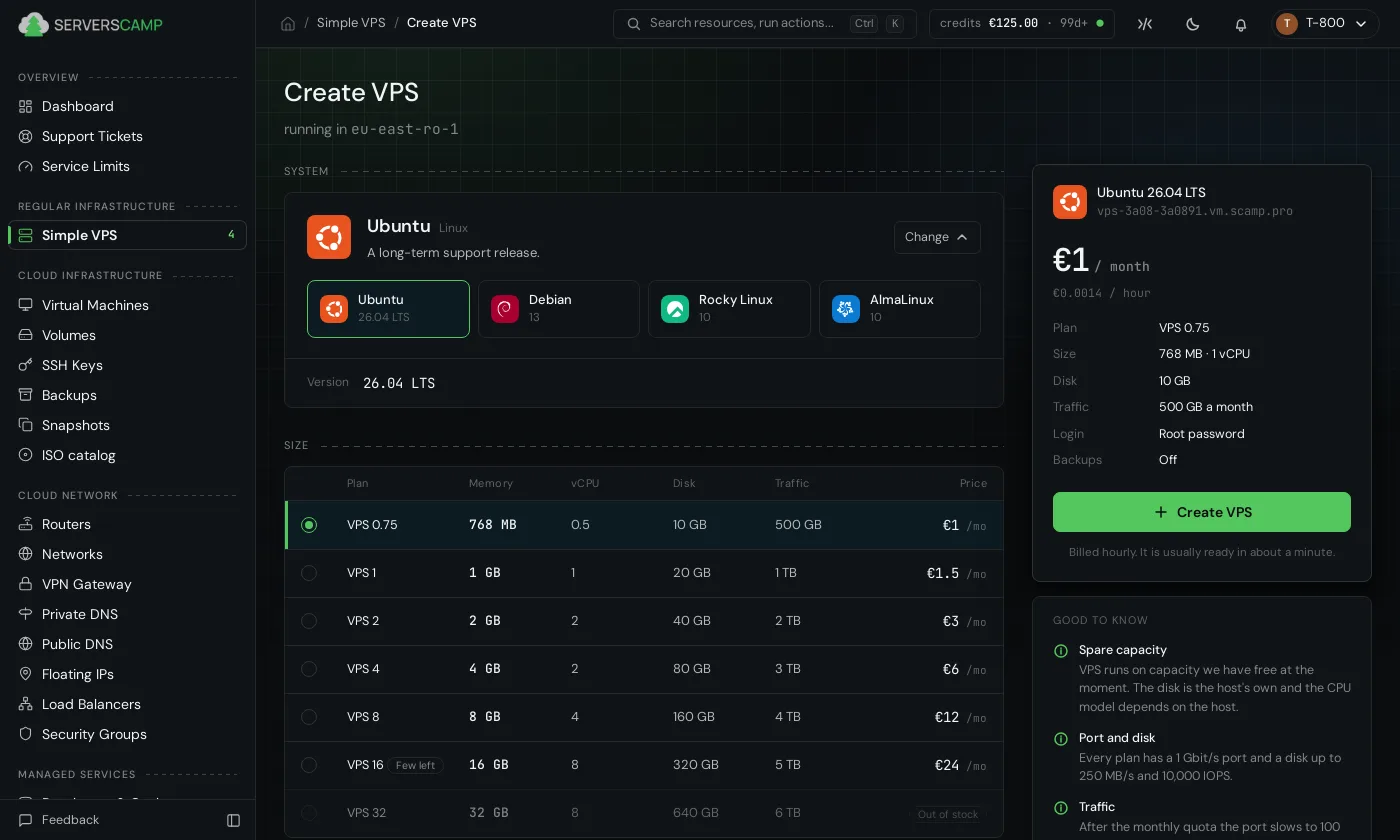
Pick a plan, a system, a name and an SSH key or a password. The server gets its DNS name and reverse DNS automatically.
The same port and disk on every plan
Every plan has a 1 Gbit/s port, a disk up to 250 MB/s and 10,000 IOPS, and a monthly traffic quota. After the quota the port slows to 100 Mbit/s.
Daily backups
Turn them on and a copy is taken every night, with the last 5 kept off the server. Make a backup now or restore one from the server page.
A bigger plan when you need it
Move to a bigger plan on the server page. The server restarts to pick it up, and the disk grows and cannot shrink.
A console in the browser
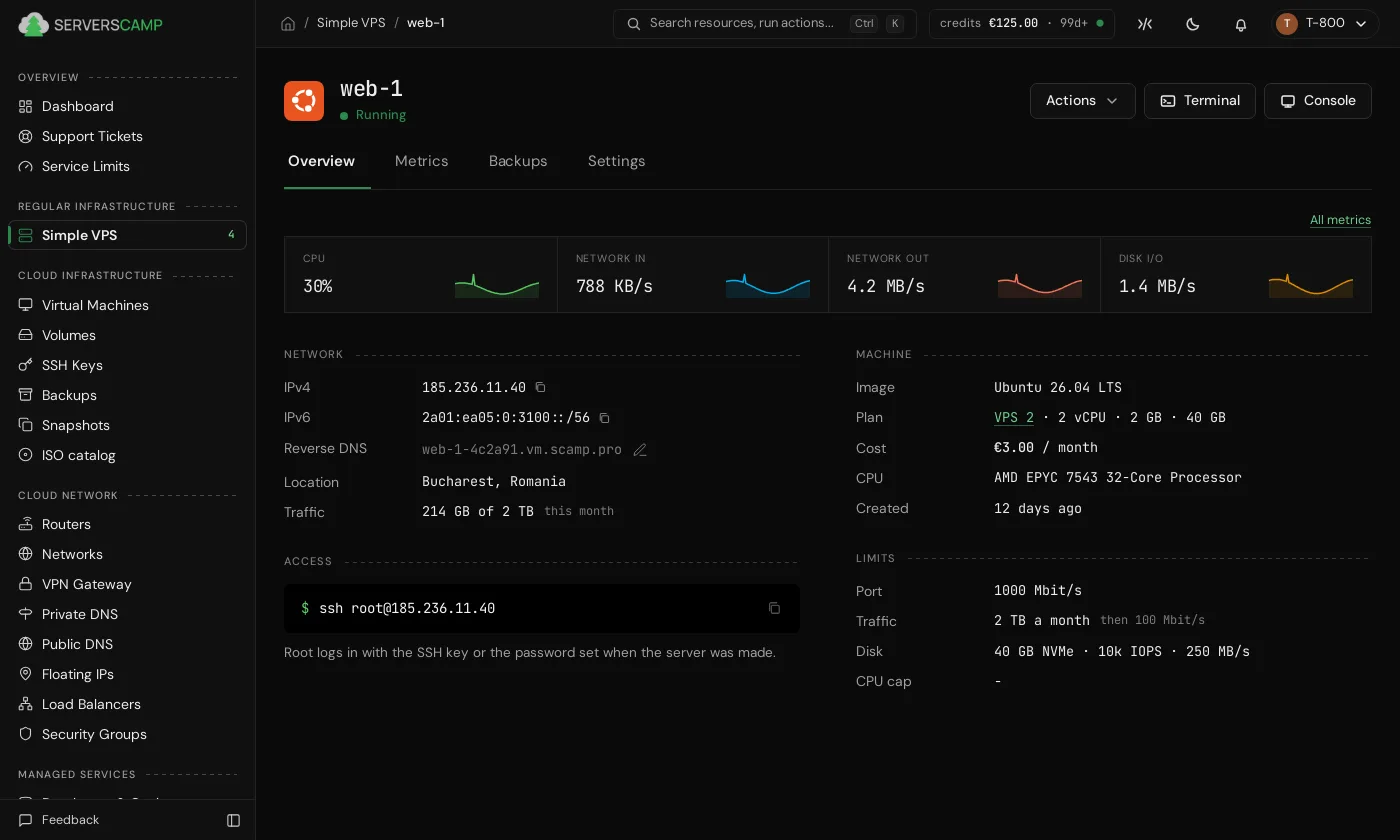
The screen and keyboard of the server over VNC. It works when the network or SSH is down, so you can watch it boot and fix it.
A terminal in the browser
A text terminal on the serial port, with copy and paste. It reaches the server without the network too.
Plans and prices
| Plan | vCPU | Memory | Disk | Traffic a month | Price a month |
|---|---|---|---|---|---|
| vps-std-768m | 1 (0.5 core) | 768 MB | 10 GB | 500 GB | €1.00 |
| vps-std-1g | 1 | 1 GB | 20 GB | 1 TB | €1.50 |
| vps-std-2g | 2 | 2 GB | 40 GB | 2 TB | €3.00 |
| vps-std-4g | 2 | 4 GB | 80 GB | 3 TB | €6.00 |
| vps-std-8g | 4 | 8 GB | 160 GB | 4 TB | €12.00 |
| vps-std-16g | 8 | 16 GB | 320 GB | 5 TB | €24.00 |
| vps-std-32g | 8 | 32 GB | 640 GB | 6 TB | €48.00 |
Daily backups add 20% to the plan price. Billed by the hour, VAT is added where it applies. Create VPS
Systems
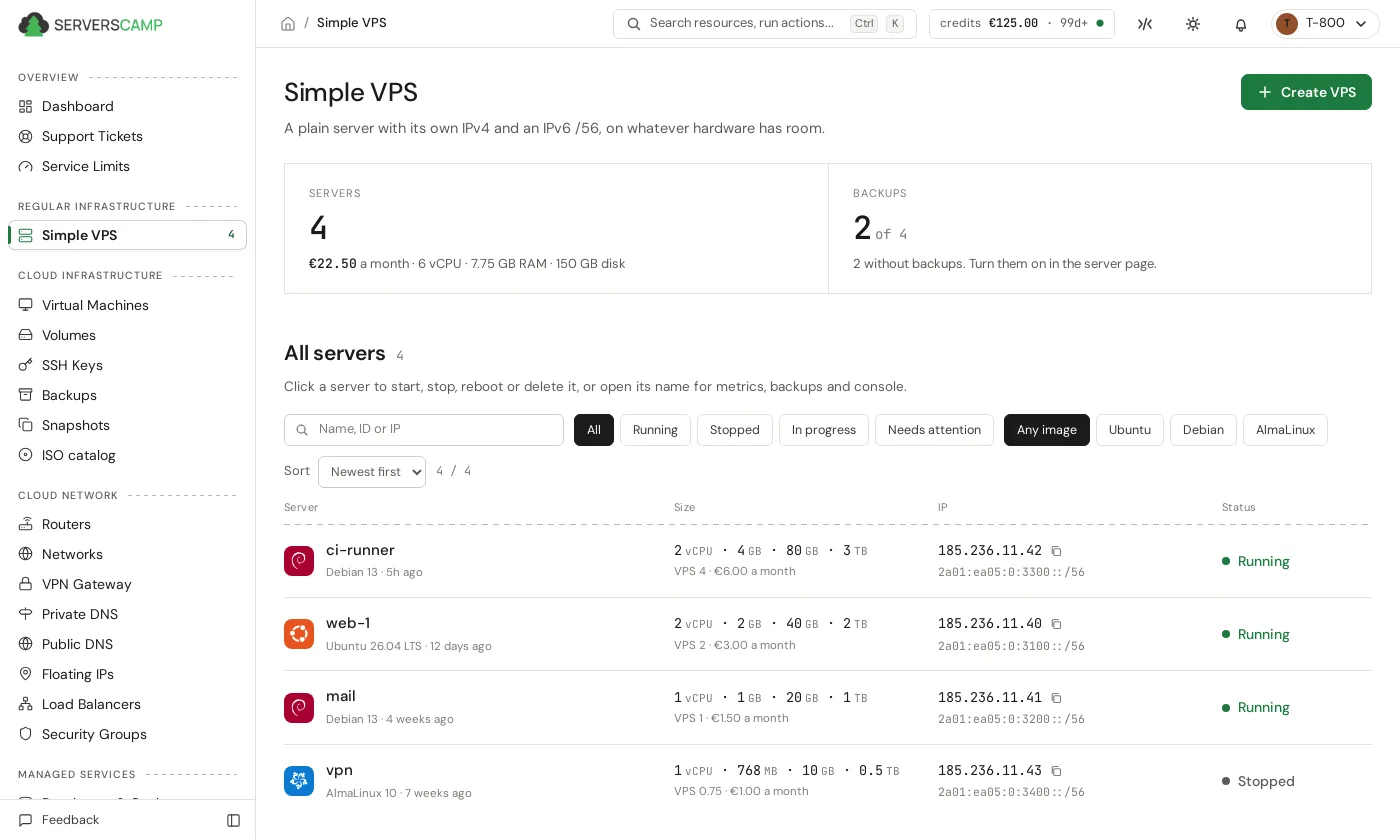
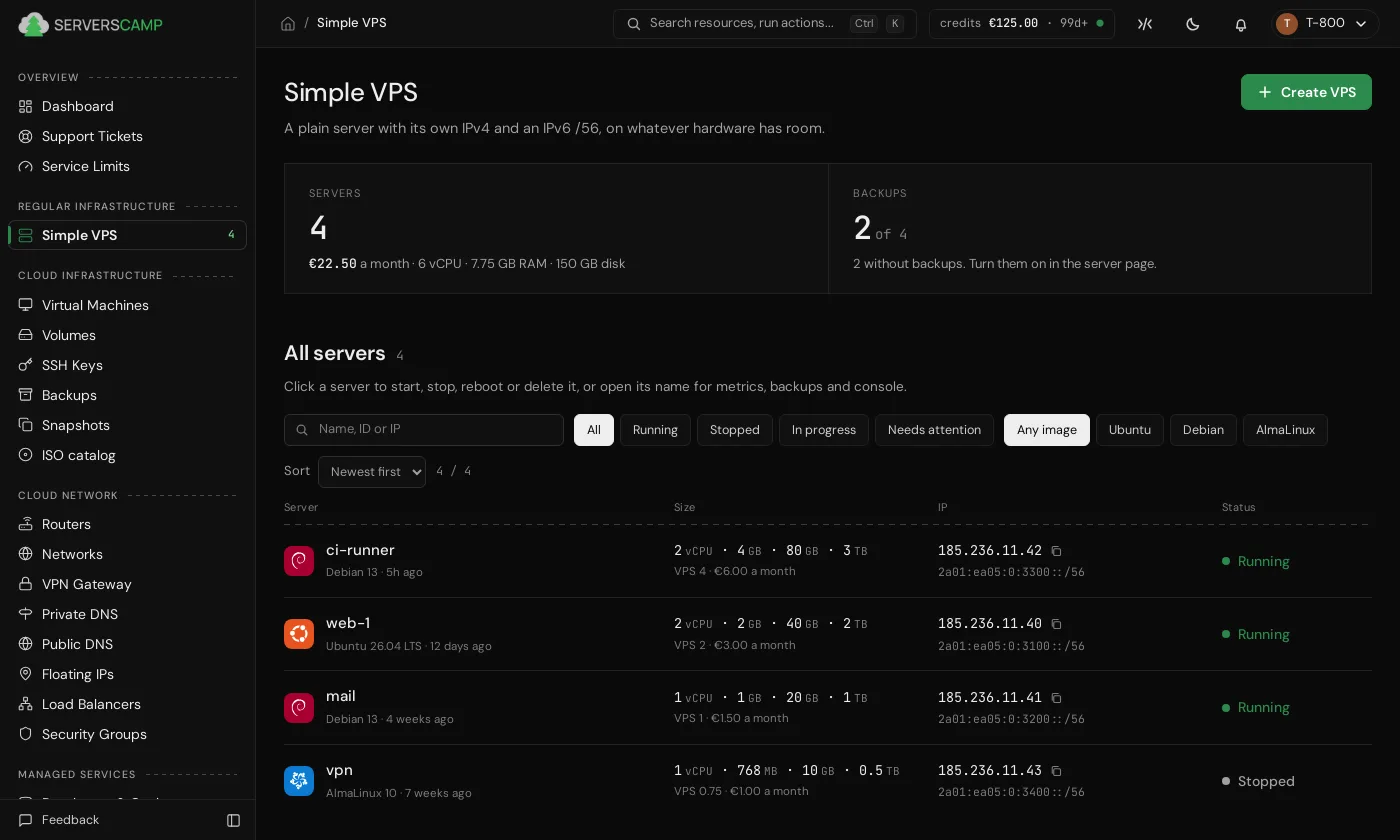
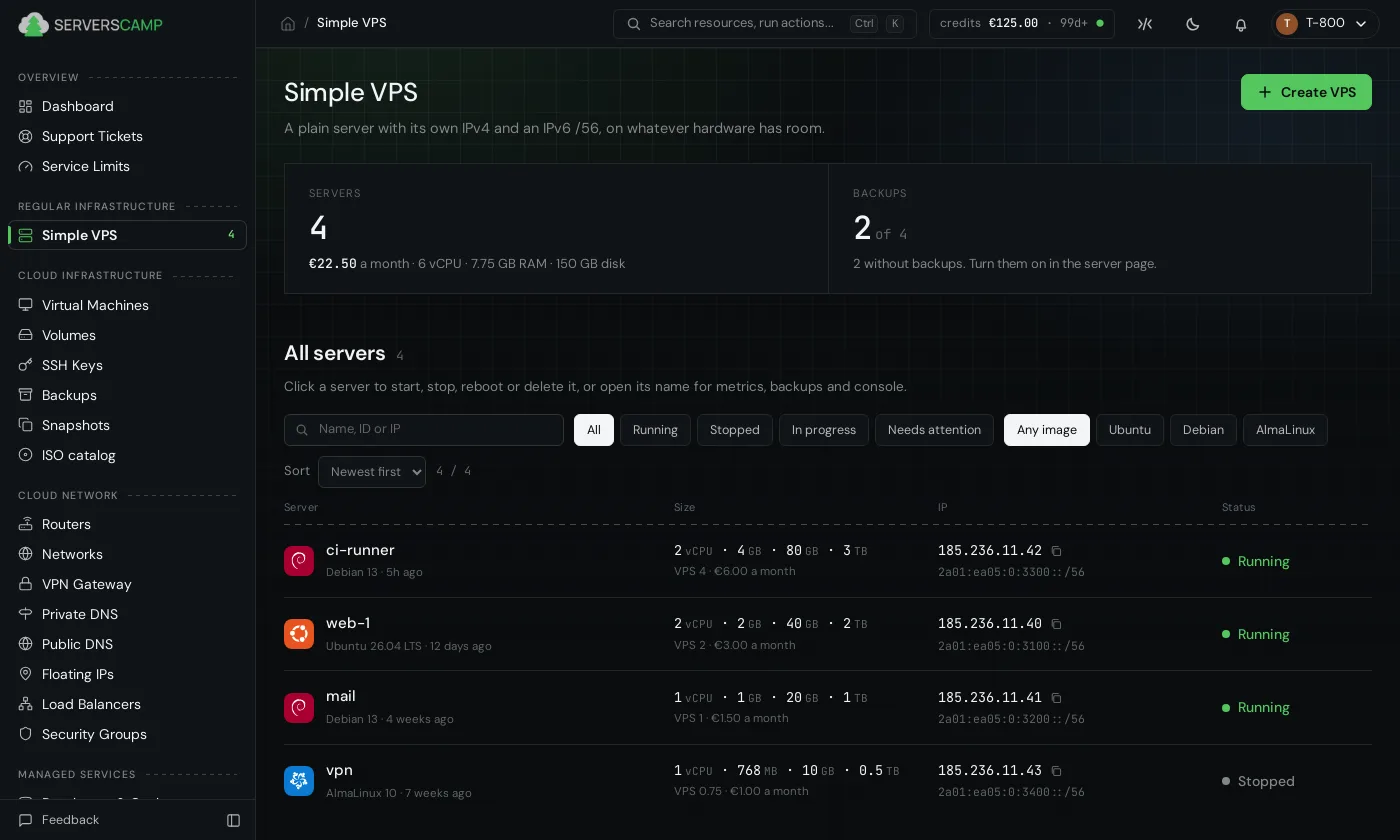
Cloud Panel
Run it from your desk or your phone
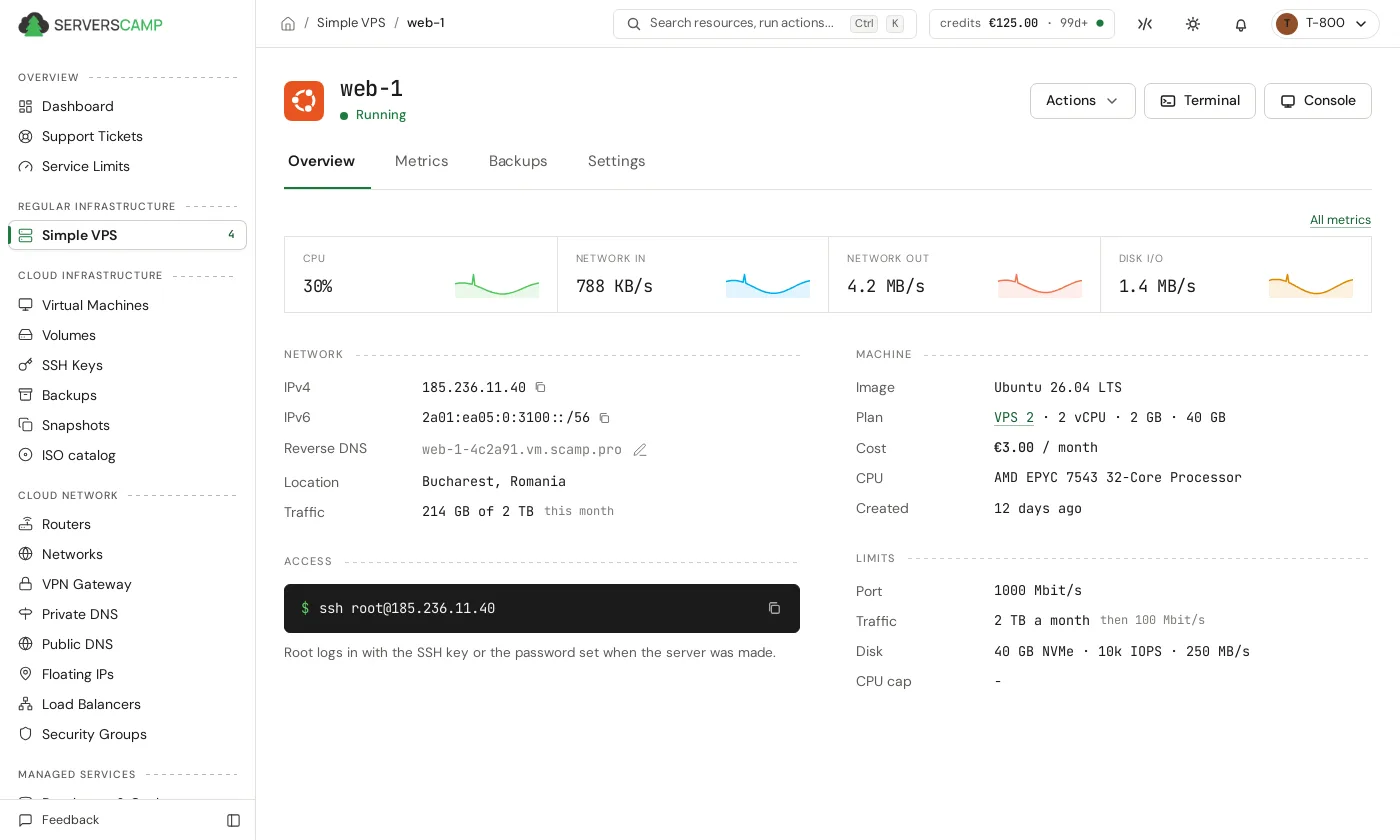
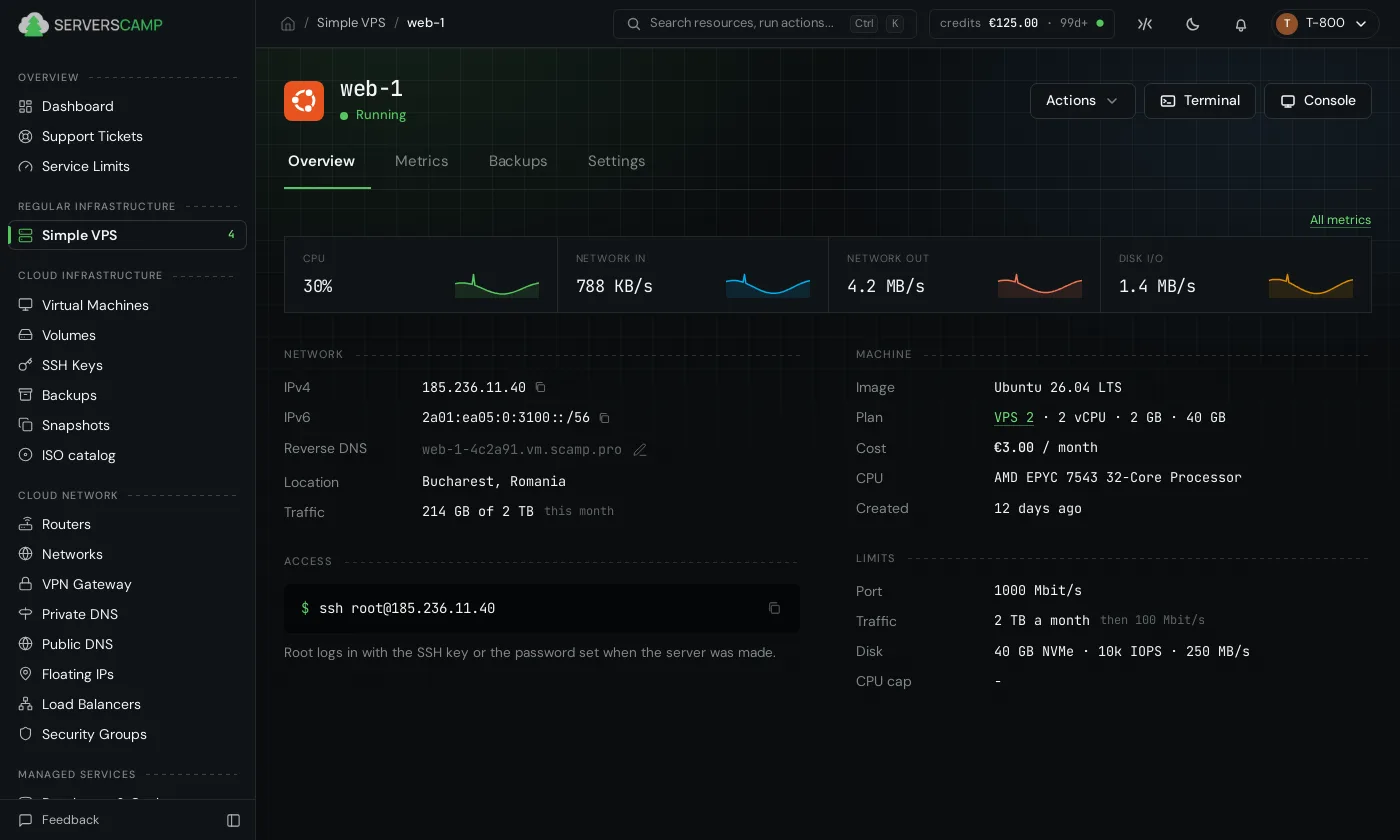
The Cloud Panel fits any screen. When SSH or the network is down, the console and the terminal in the browser still get you onto the server.
From code
Script it, keep it in Git
Everything the Cloud Panel does with a VPS is in the API, and scli and the Terraform provider are built on it. Make a server for a CI job and delete it when the job is done.
CLI
scli for your terminal and CI: create, power, reinstall, back up and delete, with --json for scripts and --wait until SSH answers.
Terraform
The scamp_vps resource: plan, image, keys, backups and reverse DNS as code. Servers you already run can be imported.
Terraform docsAPI
A REST API with tokens and an OpenAPI file. A create with an Idempotency-Key never makes a second server on a retry.
API reference# install, sign in, make a server and wait until SSH answers
~ $ curl -fsSL https://raw.githubusercontent.com/serverscamp/scli/main/install.sh | sh
~ $ scli auth login
~ $ scli vps create web-1 --plan vps-std-1g --image debian-13 --ssh-key laptop --wait
~ $ scli vps ssh web-1resource "scamp_vps" "web" {
name = "web-1"
plan = "vps-std-1g"
image = "debian-13"
ssh_key_ids = [scamp_ssh_key.laptop.id]
backups = true
}~ $ curl -X POST https://platform.serverscamp.com/api/v1/vps \
-H "Authorization: Bearer $SCAMP_TOKEN" \
-H "Idempotency-Key: $(uuidgen)" \
-d '{"name": "web-1", "plan_id": "vps-std-1g", "image": "debian-13", "ssh_key_ids": [42]}'On the server page
Start, stop, reboot, reinstall
A reinstall gives you a fresh disk. The addresses, DNS names and backups stay.
Traffic this month
How much of the plan's traffic is used, so the slower port after the quota is no surprise.
Graphs
CPU, disk and network of the server, from the host side.
Reverse DNS
Set the name the address resolves back to.
Questions
How is it different from a cloud server?
A cloud server has private networks, volumes, snapshots, off-site backups, a guaranteed CPU share and a 99.99% SLA. A VPS is a plain server on spare capacity with daily backups and a 99.9% target.
Can you slow my VPS down?
Yes, if it takes much more than its share of the host or breaks the Acceptable Use Policy. Normal use within the plan is never limited.
Can I move a VPS to the cloud later?
A VPS cannot be moved to the cloud or connected to it. Set up a cloud server and copy your data over.
How is it billed?
By the hour, the first hour when it is created. A stopped VPS costs the same as a running one, because its capacity stays reserved.
What happens when the balance runs out?
The VPS is stopped and marked unpaid. Top up enough for 24 hours of the plan to start it again.
Can I send mail from it?
Outgoing port 25 is closed, as on every new server. Mail goes through a mail service.
How many can I have?
It depends on the account level. Your limits are on the Service Limits page in the Cloud Panel, where you can also ask for more.