

What changed and why
We have made serious changes to the platform. For a month we watched the load and looked at which plans and disks people actually pick. Three things came out of it.
- Compute is cheaper. High Frequency is up to 41% cheaper, Basic a bit less so.
Server prices - Volumes have no tier limits. A 25 GB disk is as fast as a 5 TB one.
Block storage - Creating is one page. Servers and volumes both.
Create a server
Most of this comes down to making things simpler. Twelve disk tiers was too many, and a fast disk cost too much, so now there are two disks. Server plans are named after the hardware and the memory, and dedicated CPU is a checkbox. Creating a server used to take a few screens and sometimes a look at the docs. Now it is one page.
Two disks instead of twelve tiers
First, what has not changed. Every disk here sits on our own software-defined storage, a cluster of NVMe nodes talking over RDMA. A disk is copied across several nodes and lives apart from the host your server runs on, so losing a drive or a whole host does not lose your data. A 4k read or a replicated write takes about 0.2 ms.
What changed is how that storage is sold. There used to be twelve disk classes with their own speeds, sizes and prices, and the fast ones started at 250 GB. Now there are two pools, and you get the full speed from 25 GB up.
| Standard | Enterprise | |
|---|---|---|
| Storage | Replicated SDS | Replicated SDS |
| Pool | Prosumer Gen5 NVMe | Enterprise NVMe with PLP |
| Replicas | 2 | 3 |
| IOPS | up to 100,000 | up to 200,000 |
| Throughput | up to 1 GB/s | up to 2 GB/s |
| Size | up to 5 TB | up to 10 TB |
| Price a month | EUR 80 per TB | EUR 130 per TB |
Standard is what most servers need. It is a third faster than the old R3 tier and almost a third cheaper. Enterprise is for databases and queues. Its drives have power-loss protection, which makes fsync faster, and it keeps three copies of every block. Next to the old W4 it is a third faster and costs less than half.
The change we like most is in the disk you do not pay for. Every server comes with a free 25 GB root disk, and it used to run at 5,000 IOPS. It is a Standard disk now, so it gets 100,000 IOPS and stays free. Basic servers also lost their own 50,000 IOPS ceiling. From here on, the CPU is the only thing that limits how hard a server can push its disk.
Either disk can be dedicated, for EUR 150 or EUR 250 per TB. If the storage cluster ever runs short, shared disks are slowed first and dedicated ones keep their speed.
Server plans
There is a new set of server plans on Basic and High Frequency hardware.
We dropped the split into Burst and Sustained. Every plan now comes shared or dedicated, on the same hardware and at full speed. You only see the difference when a host gets busy. A shared server can then be held back to its guaranteed share, and a dedicated one keeps going at full speed.
Every plan got cheaper, and the bigger the plan, the more you save. Here is a server with 16 GB of memory.
| 16 GB, a month | Before | Now | You save |
|---|---|---|---|
| Basic, shared | EUR 32 | EUR 27 | EUR 5 16% |
| Basic, dedicated | EUR 48 | EUR 40 | EUR 8 17% |
| High Frequency, shared | EUR 80 | EUR 54 | EUR 26 33% |
| High Frequency, dedicated | EUR 112 | EUR 80 | EUR 32 29% |
On High Frequency the cut grows with the size, from 14% on the smallest plans to 41% on the largest. The cheapest server of all is EUR 2 a month with its free disk. All sizes are in the price list.
Creating a server
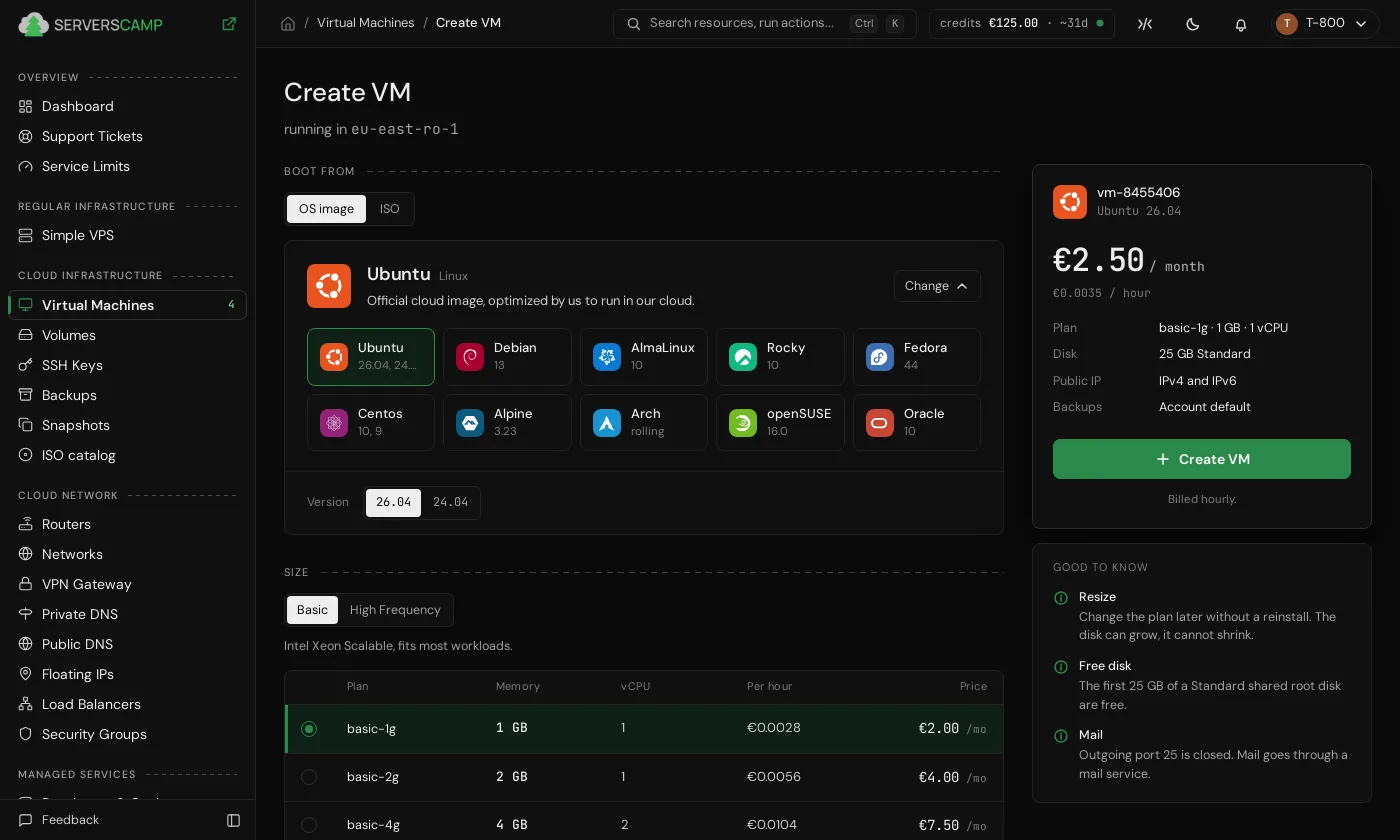
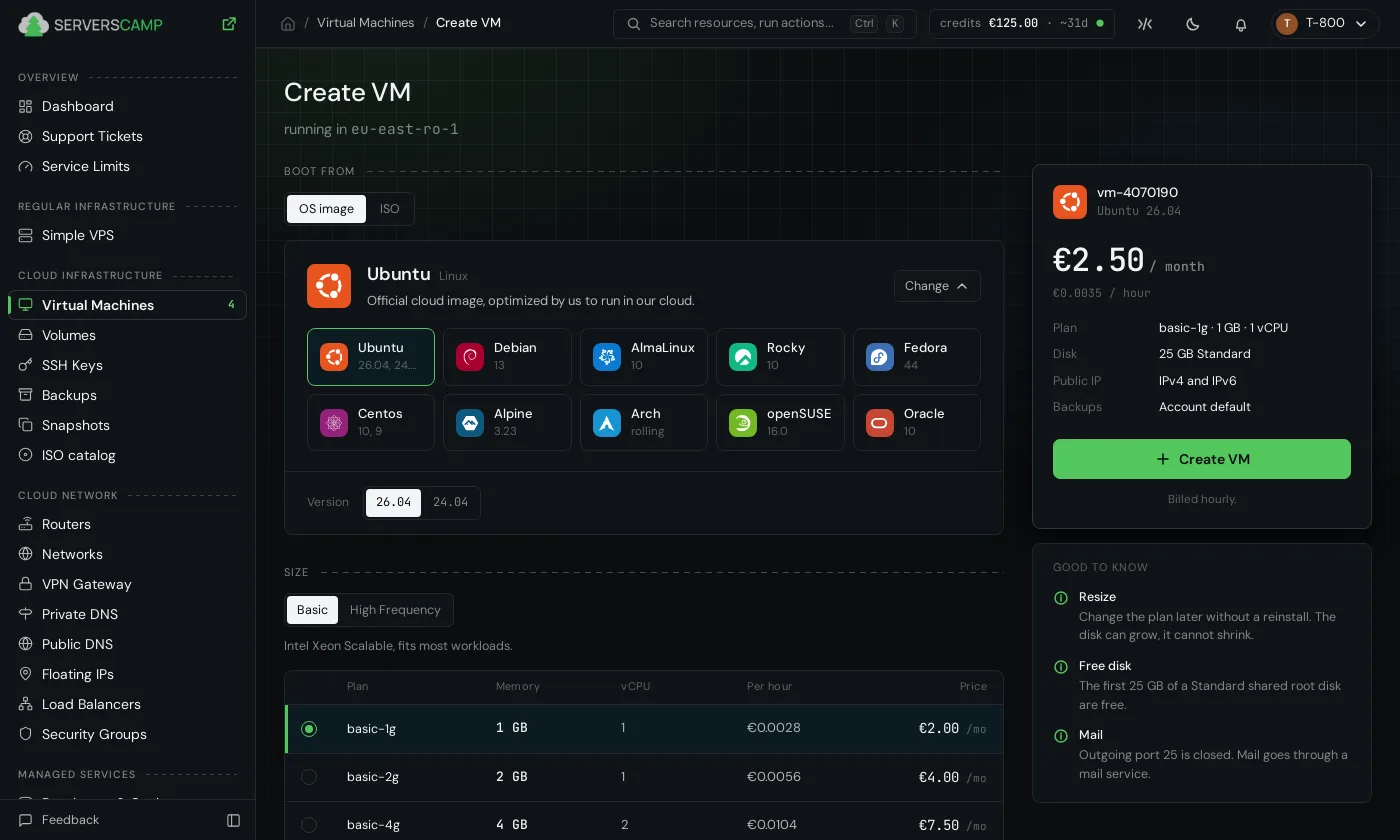
Creating a server is one page now. Pick a system and a plan, and everything else is already filled in. The price on the right updates as you click.
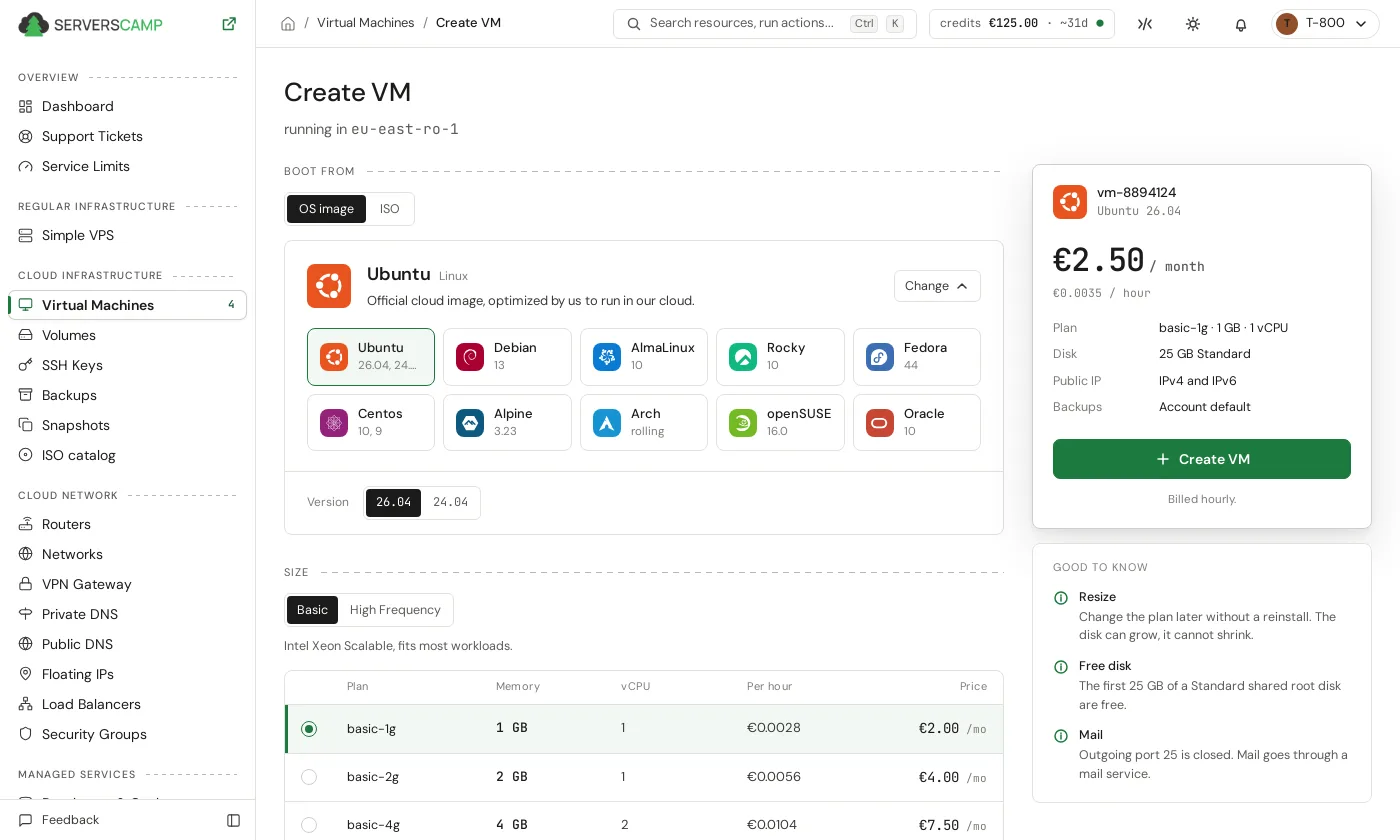
Disk auto-extend and monitoring come switched on. When the disk is 85% full it grows by a tenth, up to the limit you set, and you get a message each time. A full disk should not take a server down at night anymore. Monitoring starts on the first boot, and your first server gets our recommended alert rules, which you can change any time.
Servers you already run
Nothing changes for them. They keep their plans and their prices. The new plans and disks are for whatever you create from today. Prices are on the pricing page.